 manisha
 Drawtify’s infographic maker has a wide selection of high-quality editing templates, as well as a series of effective and practical tools. Additionally, it comes with various built-in design components and online resources (such as intelligent charts, maps, QR codes, and barcode generators). In addition to helping designers become more professional and efficient, it can also assist non-designers in creating more eye-catching infographics.
Drawtify Lifetime Deal Features Overview:
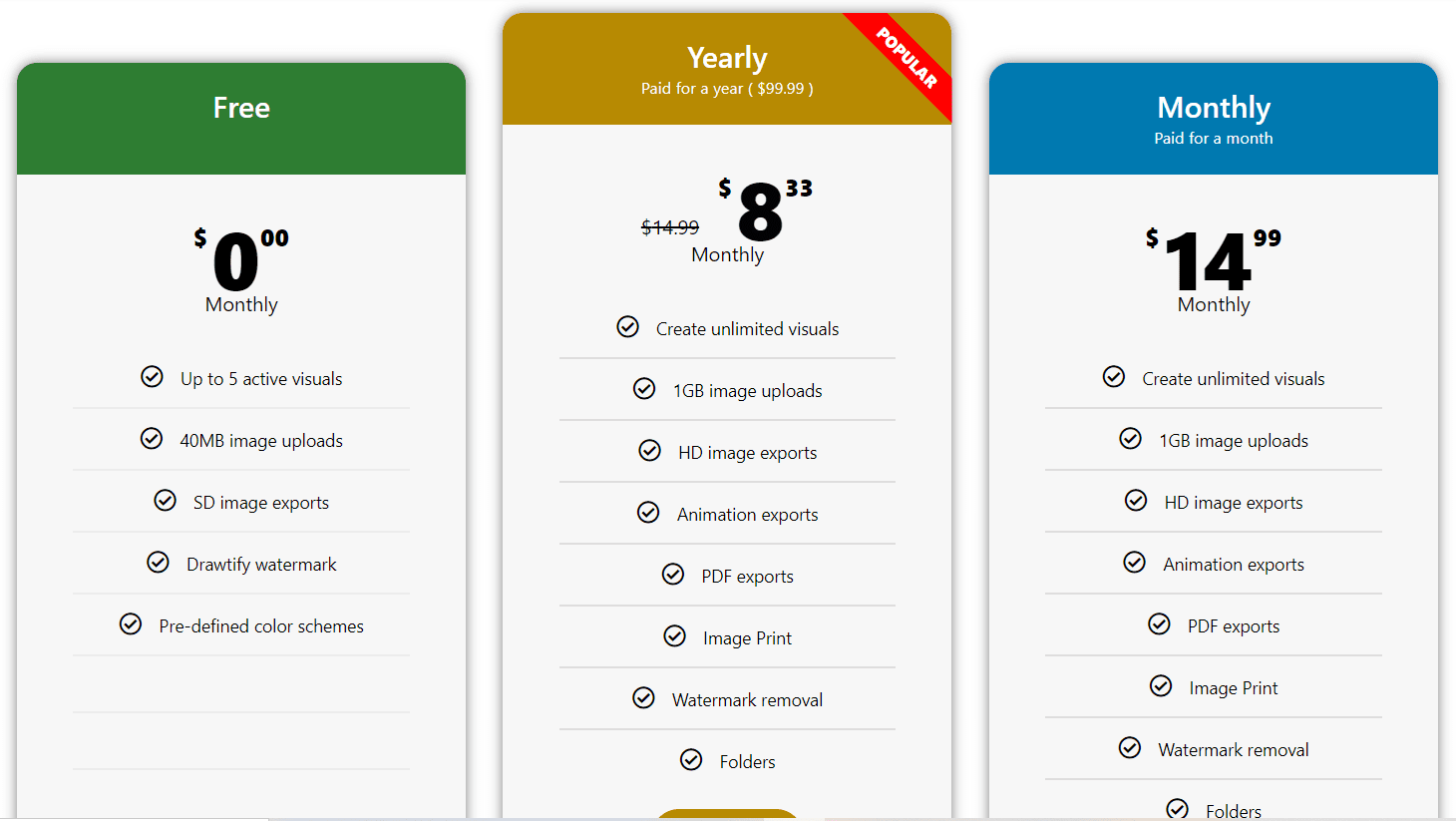
- Easily import images in JPG, PNG, PDF, and SVG formats to Drawtify graphic design Apps.
- Supports high-definition output of graphics in JPG, PNG, PDF, and SVG formats.
- Download the animation in SVG, GIF, APNG, VIDEO (mp4, WebM) format.
- Supports black and white window preview graphics (including mobile graphics). As well as thumbnails to help you select items quickly.
- Support direct printing, as well as intuitive printing settings. In addition to this, you can choose to print objects from thumbnails.
- The Drawtify Online app is user-friendly graphic design software. Downloading is not required, simply create an account to begin your amazing graphics creation journey.
- Provide online storage. Both free users and PRO users have their own storage space and are able to edit folders. A brand library can be built and stored online.
- Professional Vector Drawing Tools
- Intuitive Motion Graphics Editor
- Powerful Photo Editor
- Excellent Layout Function
- Advanced Typography Tools
3 Steps to Create Custom Infographics With Drawtify-
- Create your infographic design file.
- Edit and design the infographic content.
- You can preview, save online, download, and start using!