 manisha
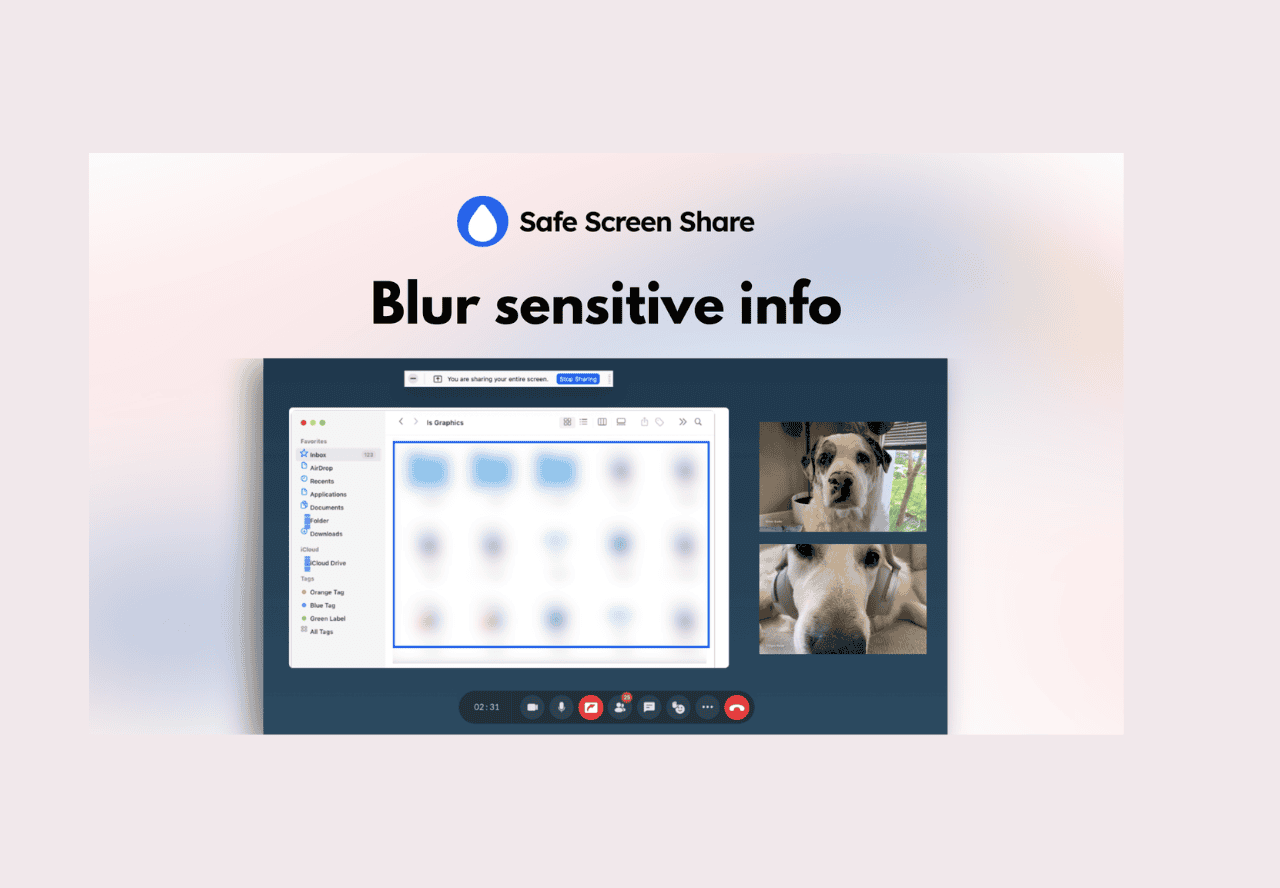
 Safe Screen Share is a powerful browser extension designed for professionals, educators, support teams, and creators who want total control over what they reveal during screen sharing or recording sessions. With one-click blur, sensitive info stays hidden—protecting your privacy and your business, no matter which meeting, streaming, or presentation tool you use.
Safe Screen Share Lifetime Deal Features Overview:
-
One-Click Blur Anywhere
Instantly blur text, images, videos, sections, or any on-screen element—whether you’re sharing, recording, or taking a screenshot. -
Precision Control
Select and blur a specific area by drawing a rectangle, and move or resize your blur as needed. Blur stays in place even after reloads and revisits. -
Tab Title & Favicon Hide
Conceal tab titles and favicons to keep your workflow private, with a single click. -
Universal Platform Support
Works with any major browser (Chrome, Edge, Brave, Opera, Arc, Vivaldi) and is fully compatible with Zoom, Google Meet, Loom, OBS, and all major screen sharing and streaming apps -
Real-Time Protection
Blur sensitive info live—even while scrolling, switching tabs, or reloading. No more accidental leaks. -
Screenshot Safety
Blur first, then capture—protect personal details before screenshots are taken or shared. -
No Editing Needed
Skip post-editing—your privacy is protected during the session, in real time. -
Who Should Use Safe Screen Share?
-
Remote Teams: Keep sensitive dashboards, notifications, or private info off-screen in meetings.
-
Educators & Trainers: Protect student and personal data during virtual classes and demos.
-
Customer Support: Safeguard user or account info while helping customers live.
-
Content Creators & Streamers: Hide private messages or unwanted pop-ups on livestreams.
-
Marketers & Agencies: Present reports and analytics without sharing confidential client data.
-
-
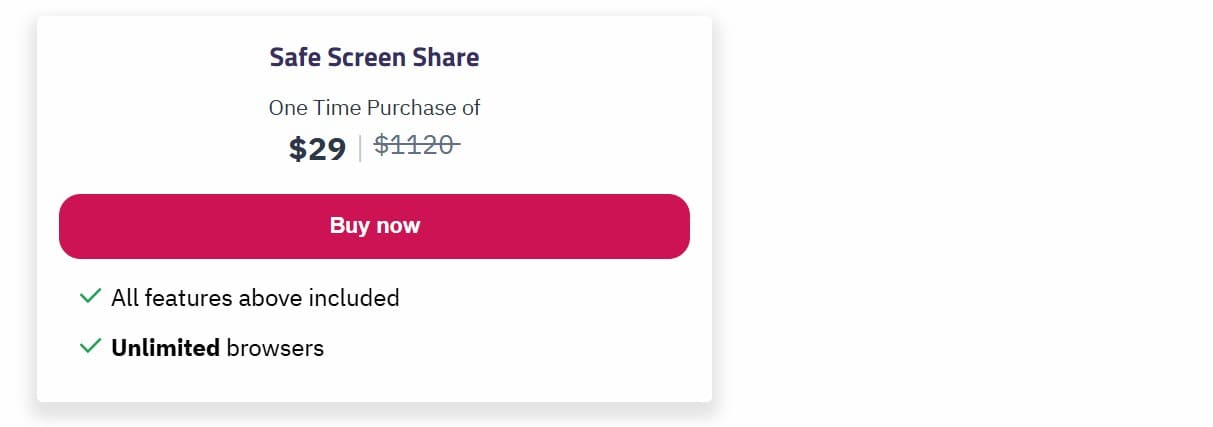
safe screen share saaszilla price